
Detect Bot Traffic in Your Google Analytics (GA4) Data, In Minutes, Not Hours
Stop guessing whether bots pollute your Google Analytics data.
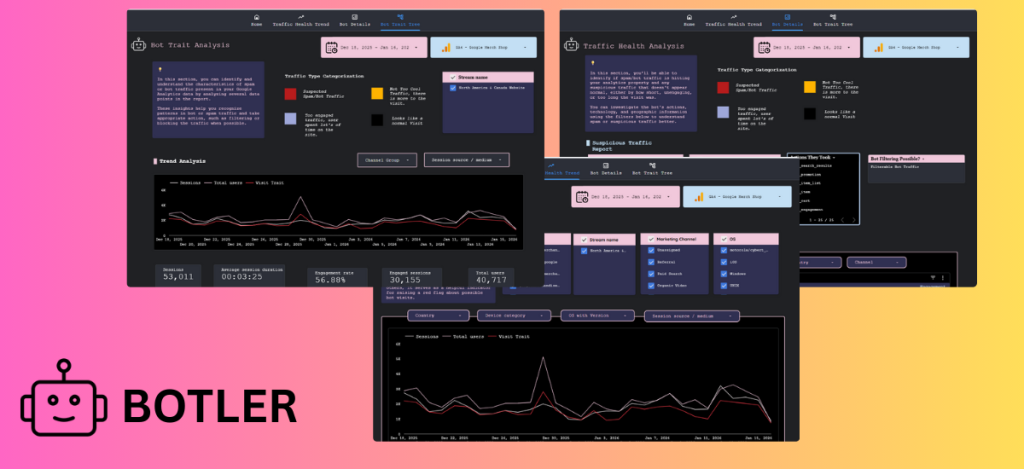
The DumbData GA4 Bot Traffic Detector & Analyzer connects directly to your GA4 property and automatically identifies suspicious bot traffic patterns, so you can understand what’s real, what’s not, and what to do next.
✅ No complex setup. No data exports. No manual digging.
Detect Bot Traffic in Minutes
Automatically analyze your GA4 data and surface bot activity in seconds, no more hours spent building segments or custom explorations.
Understand Bot Behavior & Trait
See how bots behave: pages visited, events triggered, devices used and device data, locations, traffic sources, and more.
Know If a Bot Is Filterable
Learn whether detected bots are filterable or non-filterable, so you can take informed action instead of blind guesses and clean your data.
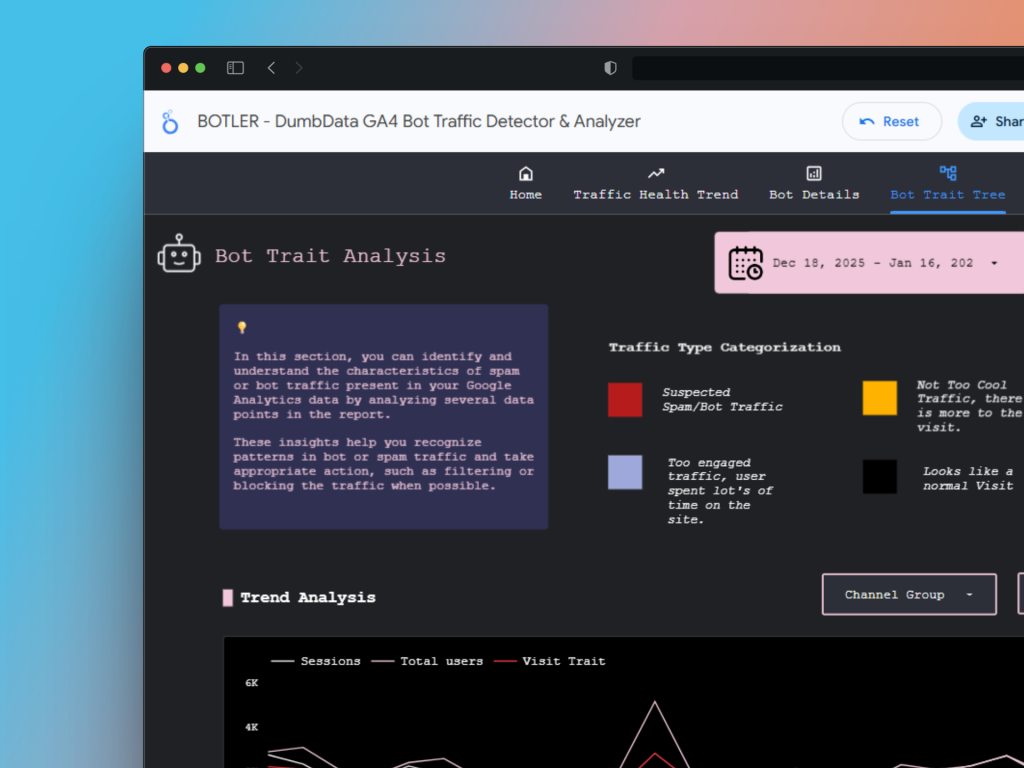
A free Looker Studio dashboard that analyzes your GA4 property, uncovers bot traffic, reveals bot behavior, and helps you understand the true quality of your traffic.
How the Tool Works
1️⃣ Step 1
Click the link to open the Google Analytics (GA4) Bot Detector & Analyzer
2️⃣ Step 2
Connect your GA4 property via Looker Studio’s data controls
3️⃣ Step 3
Start discovering bot traffic, analyzing behavior, and assessing traffic quality
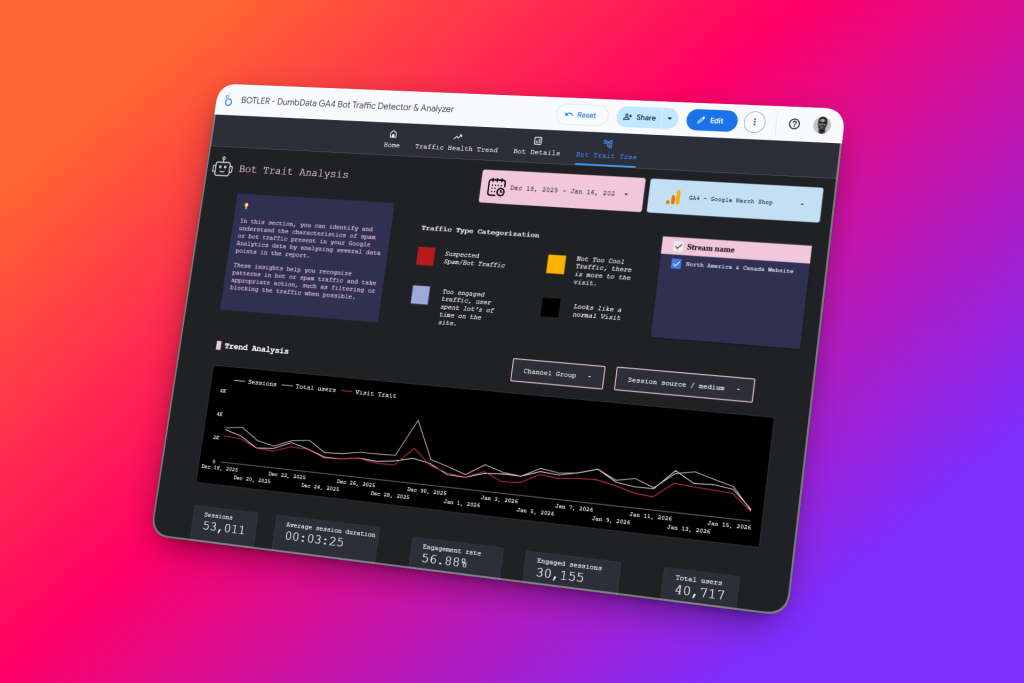
Know the Quality of Traffic Reported in Google Analytics
The dashboard is an advanced evolution of the bot traffic audit section from the free DumbData GA4 Audit Tool, expanded with deeper analysis, clearer insights, and more actionable bot intelligence, all delivered through an easy-to-use Looker Studio dashboard that works directly with your existing GA4 data.
Using predefined bot-detection signals and behavioral patterns, the dashboard automatically highlights suspicious and bot-like traffic. It goes beyond simple detection by revealing bot traits, trends, and long-term impact, helping you accurately assess the true health and quality of your traffic. Instead of staring at inflated sessions, skewed engagement rates, or unexplained conversion drops, you finally understand why they’re happening.
Bot traffic is a serious problem in GA4 because it can distort key metrics, mislead marketing decisions, and hide real performance trends. Yet finding it manually is tedious—requiring multiple reports, custom explorations, manual filters, and a lot of guesswork. The GA4 Bot Detector & Analyzer does the heavy lifting for you, so you can focus on making confident, data-driven decisions rather than playing analytics detective.
100% free to use
save time & money
Reduce GA4 frustration
Faces Behind The Tool
This tool is developed by people who genuinely love working with data and contributing to the analytics community:
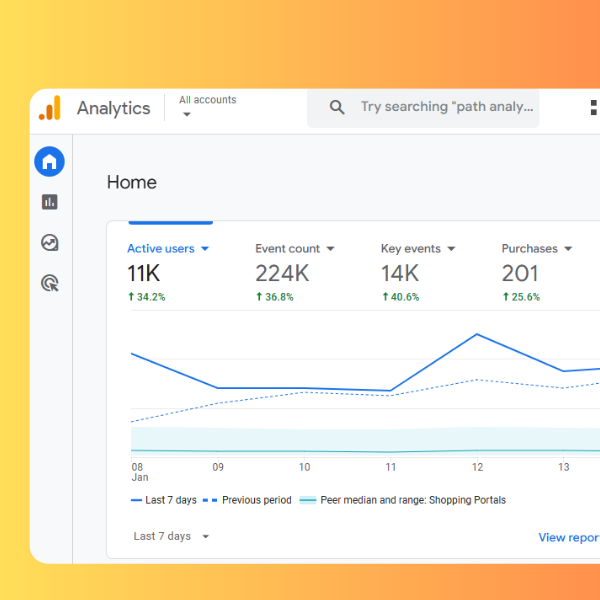
Why Bot Traffic Is a Serious Issue?
Here is how bot traffic can impact your Google Analytics data;
Inflate sessions and pageviews
Distort engagement metrics
Fake conversions and events
Mislead marketing decisions
Hide real performance trends
Bot Traffic Insights Include
- Bot impact trends (when it started and how it evolved)
- Pages bots visit most
- Traffic sources & mediums used by bots
- Events triggered by bots
- Geographic patterns
- Device & technology traits
💡 This turns bot traffic from a mystery into something you can actually investigate and respond to.
Possible Questions You Might Ask or Not
The Google Analytics audit tool is freely accessible because we’ve established the foundation of the DumbData resource hub on delivering valuable free measurement resources that incur zero costs to you as a user.
Yes. The GA4 Bot Detector & Analyzer is completely free to use.
No tool can detect every bot. This dashboard identifies common and behavioral bot patterns, but some sophisticated bots may still slip through.
No. It is a read-only dashboard and does not change your GA4 configuration.
Not at all. If you can select a GA4 property in Looker Studio, you can use this tool.
The tool helps you identify and understand bots. Based on insights, you can decide how and where to apply filters in GA4 or other platforms.
Certainly, feel free to contact the DumbData team (team@dumbdata.co) if you have any inquiries, project, ideas, feedback, or testimonials regarding the GA4 audit tool.
Presently, the GA4 audit tool exclusively supports the English language. However, there are intentions to extend support to other languages. This will be prioritised based on demand, explicitly considering the tool’s most prevalent browser language besides English.
You can drop your email on analytics[at]dumbdata.co
If this occurs upon accessing the report, it’s likely due to the GA4 API quota coming into effect, as numerous people are accessing the audit tool through the sample GA4 data source. If this issue arises with your specific data source, it indicates that you have exceeded your token, and the API quota limit has kicked in.
Absolutely not. We do not have access to your GA4 property data. Our capability is limited to measuring the usage of our audit tool.
More Free Tools
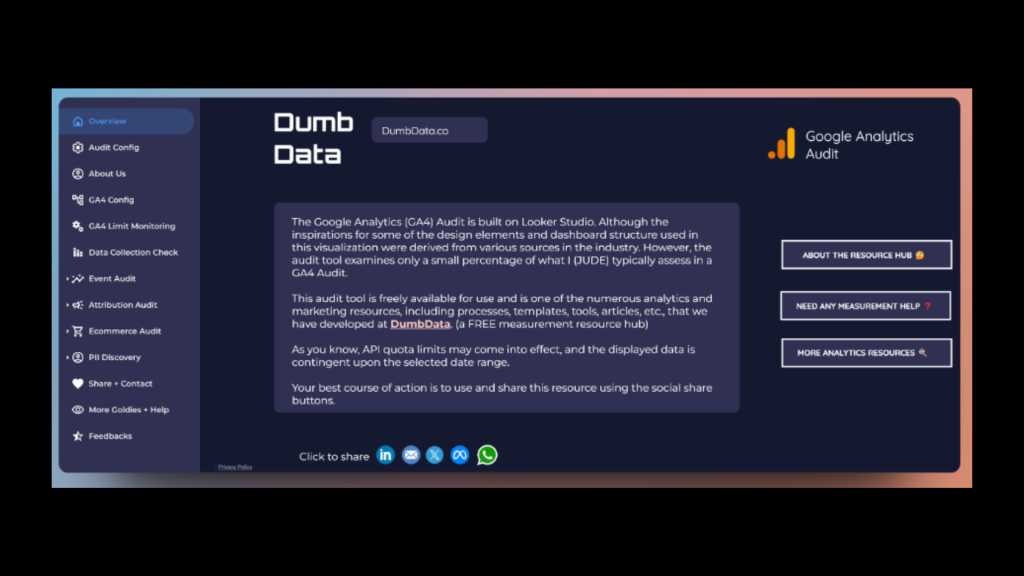
Google Analytics (GA4) Audit Tool
FREE GA4 audit tool built within Looker Studio, designed to assist you in identifying issues, areas to improve, etc.
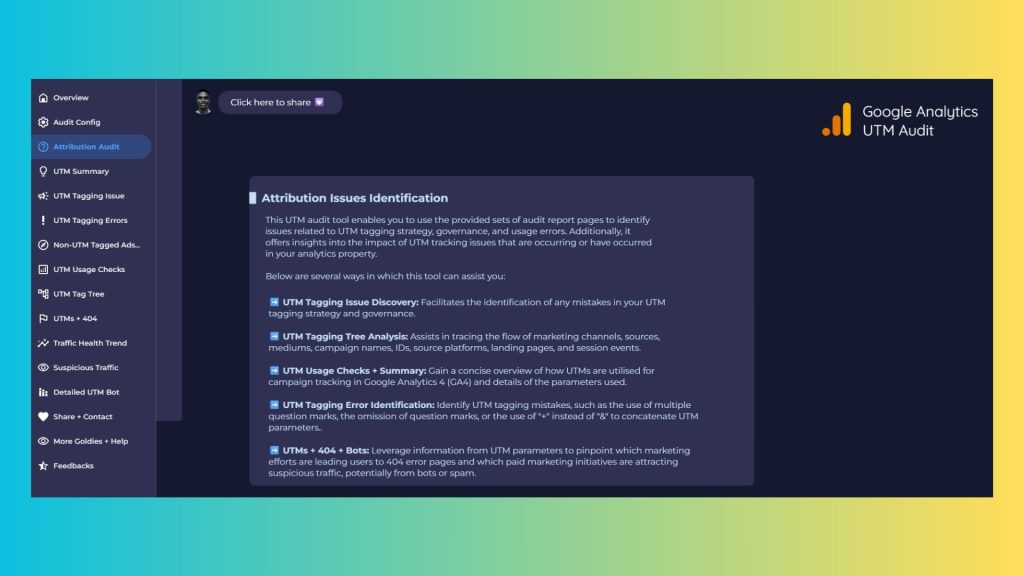
FREE & Unlimited UTM Audit Tool
FREE UTM audit tool built within Looker Studio, designed to assist you in identifying UTM and attribution issues.
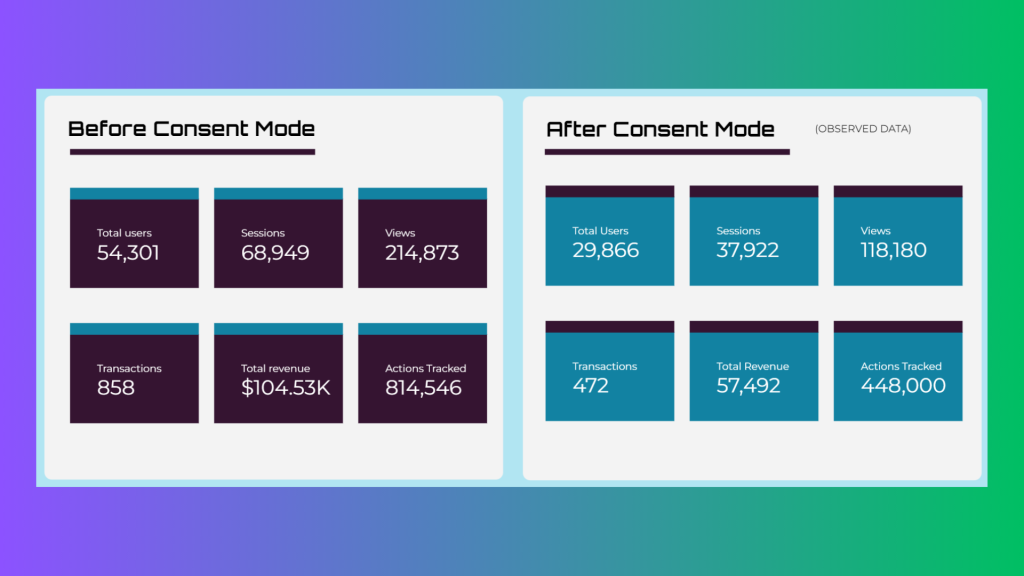
Consent Mode Impact Report
Use this tool to assess the potential impact that migrating to Google Consent Mode will have on your Google Analytics data.
credit By
The DumbData Team
Take Control of Your GA4 Traffic Quality
Stop guessing. Stop wasting hours. Start understanding your traffic in minutes.
You can share this FREE resource